
Physical & virtual cards
Choose physical cards for day-to-day purchases and virtual cards for online spending and subscriptions.
Give employees and departments their own physical or virtual spending tools. Keep online purchases, subscriptions and business expenses visible, with limits and permissions around each authorised user.
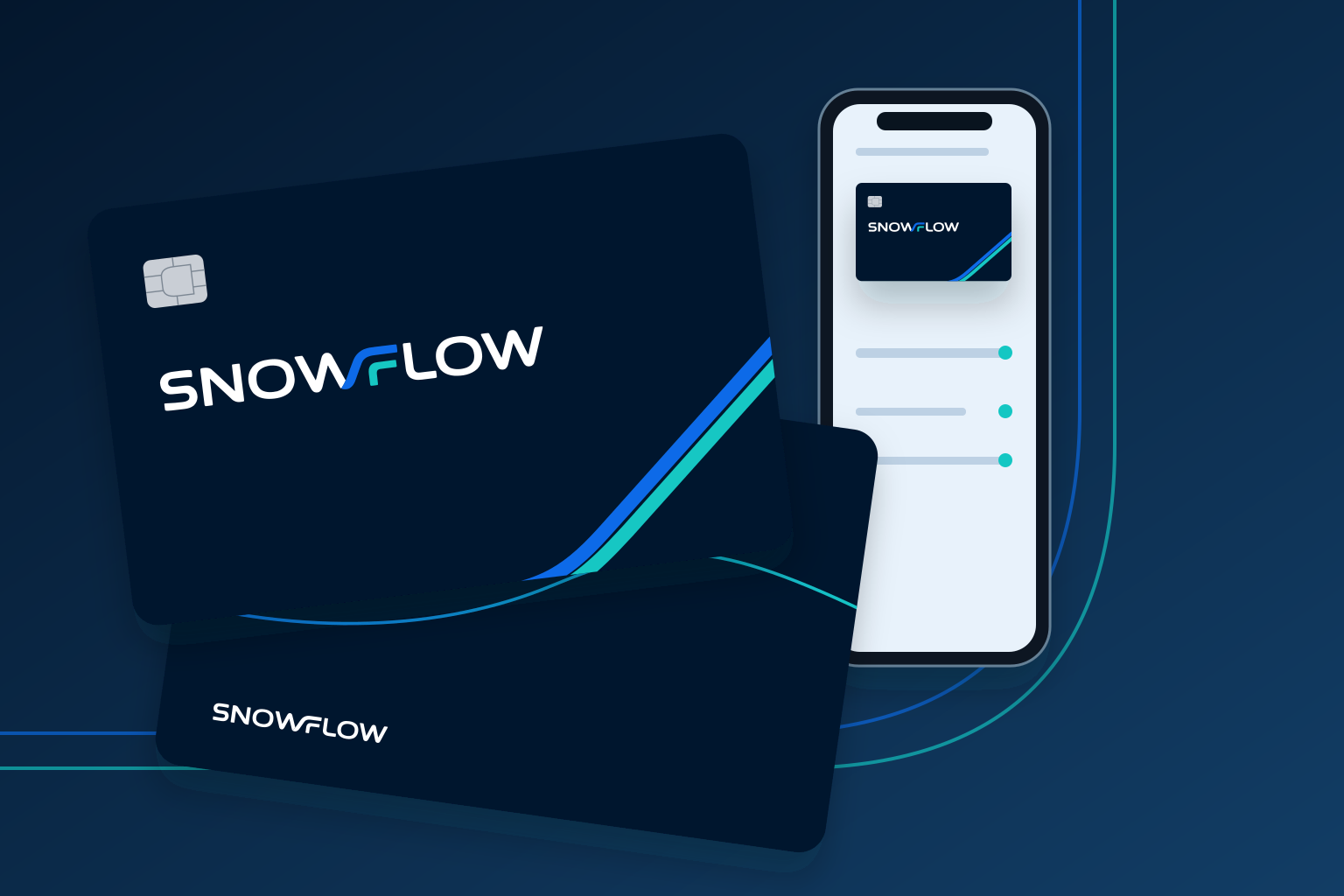
Choose physical cards for day-to-day purchases and virtual cards for online spending and subscriptions.
Set supported spending limits and freeze or unfreeze a card through the available controls.
Follow transaction activity and available alerts, with controls for supported users, merchants or spending categories.
Use supported checkouts, merchants and mobile wallets. Wallet compatibility and cash-withdrawal access depend on the approved card programme.
Give authorised people practical spending access while keeping the controls available to the account closer to the finance team.
Eligible individual physical or virtual card access may reduce reliance on informal shared-payment arrangements.
Use the available limits and permissions to align card access with an authorised person's operating responsibilities.
Review supported transaction activity through the available account or card view instead of waiting for manual expense updates.
Support eligible business spending across available markets and currencies, subject to programme terms and merchant restrictions.
Plan card access around people, departments and recurring commitments. Physical and virtual cards serve different spending needs.
Authorised employees need to buy materials, travel or meet clients. Discuss individual physical cards and supported limits, while the finance team keeps the available transaction records close to its expense review.
Virtual cards can separate supported online purchases or recurring subscriptions. Review which controls are available, how renewals are handled and who can change or freeze each card.
Tell Snowflow who needs cards and how your organisation manages team spending.
Card services are reviewed as part of the relevant onboarding process.
Configure available card access, spending limits and team permissions.
Review transaction activity and update available controls as operating needs change.
Card services are subject to eligibility, approval, programme terms and availability. Limits, controls, supported locations, foreign-exchange rates and charges may vary.
A physical card supports eligible in-person spending. A virtual card provides digital card details for supported online purchases and subscriptions. Programme terms define the available uses.
Discuss individual card access, card-level limits and the supported merchant or category controls. The precise controls are confirmed with your approved card programme.
Card freezing and activity notifications are supported control features, where available within your programme and platform configuration.
Wallet compatibility, physical-card delivery, ATM access, fees and geographical restrictions must be confirmed for the card programme. These are not universal features of every card.
Tell us how you operate and what you need from your accounts, payments or international financial activity.