A consistent checkout point.
Consider a fixed terminal alongside your sales workflow, receipt requirements, staff permissions and available connectivity.
Bring Snowflow to the checkout with branded card terminals and compatible POS or EPOS options. Build the setup around your customers, your team and the way your business takes payments—not just the hardware on the counter.
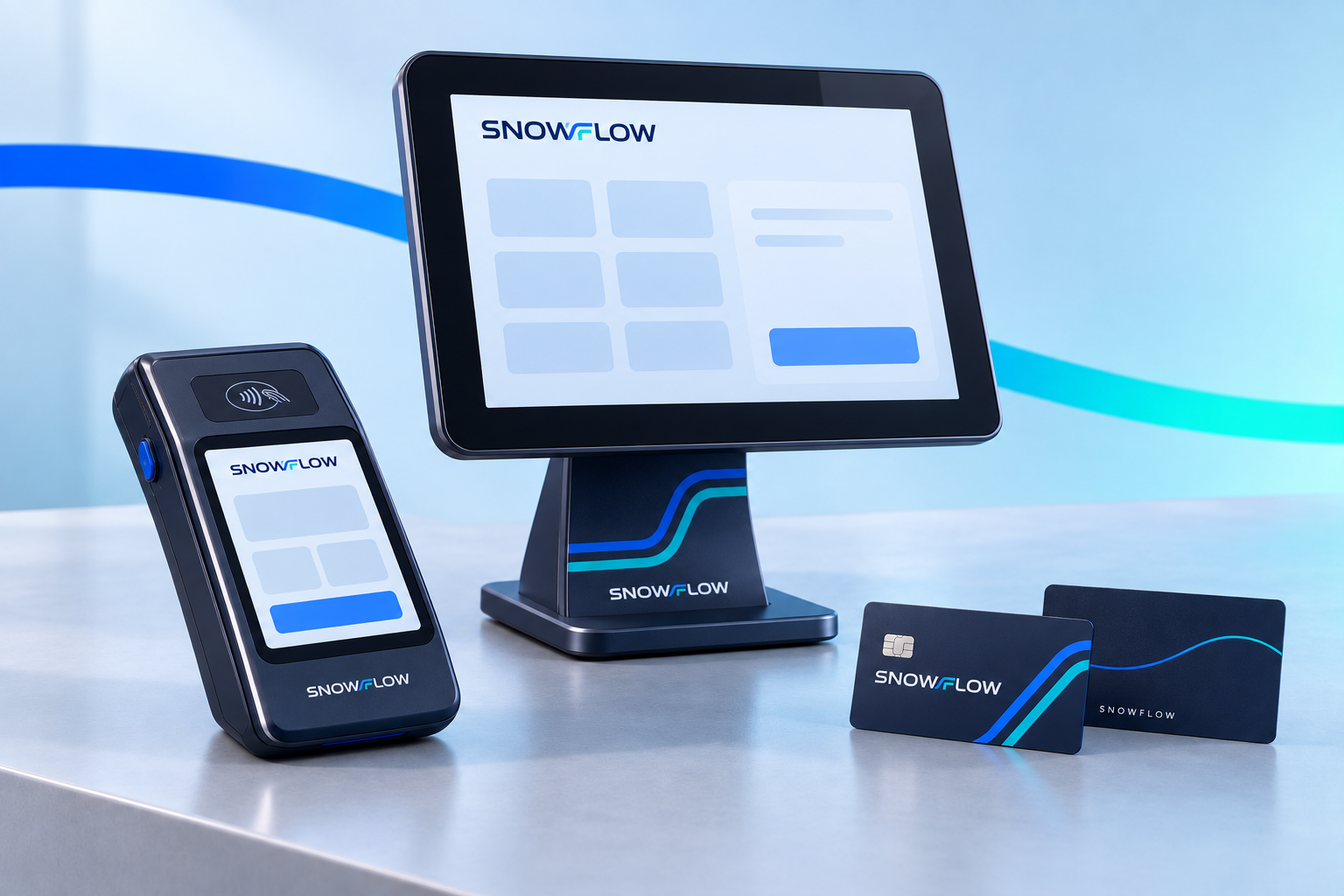
The approved equipment and software are selected around your trading environment and payment requirements.
Consider a fixed terminal alongside your sales workflow, receipt requirements, staff permissions and available connectivity.
Discuss supported handheld acceptance for appointments, table service or field work, with location and connectivity requirements checked.
Review compatible checkout software, payment integration and available reporting. Inventory, booking and accounting connections require separate confirmation.
Discuss a fixed checkout device or handheld acceptance for tables, appointments and on-site work. Available models and connectivity are confirmed for your location.
Connect eligible payment acceptance with the point-of-sale workflow your team uses. Software compatibility and any integration work are checked before setup.
Review supported payment methods, receipt options, refund permissions and the transaction records available for your approved configuration.
Understand where payments settle, when funds are expected and which reports or exports are available to support reconciliation.
A considered checkout setup can make payment handling more consistent without losing sight of fees, settlement and staff responsibilities.
Choose from the supported counter, table-side and mobile options around your service environment and connectivity needs.
Review how transactions are matched to sales, invoices or bookings, so the available reporting supports your reconciliation process.
Set the user permissions available for taking payments, viewing activity and processing refunds, rather than sharing unrestricted access.
Snowflow-branded terminal and EPOS options connect the customer-facing payment experience to the wider Snowflow service.
Map the payment moment first: where the customer is, what staff need to do and how the sale becomes a reconciled record.
A fixed checkout or table-side terminal is considered alongside compatible EPOS, receipt and refund workflows. The team checks reporting, staff access and settlement terms before selecting the equipment.
A mobile team discusses supported handheld acceptance after a job or appointment. Device connectivity, authorised locations and matching the payment to the customer invoice are reviewed together.
Tell us about locations, sales channels, transaction volumes and your current equipment.
Confirm suitable models, compatibility, payment methods, charges and settlement arrangements.
Provide the business, ownership and trading information needed for the acquiring arrangement.
Follow the approved installation, staff-access and test-payment instructions before customer use.
Product imagery illustrates the Snowflow brand, not a guaranteed device specification. Merchant approval, hardware availability, software compatibility, acquiring terms, fees, security requirements and settlement conditions apply.
Snowflow-branded terminal and EPOS options are part of our strategic-partner arrangement. The approved device models, software, support responsibilities and final branding are confirmed before you order or agree to the service.
A payment terminal handles a supported payment transaction. A point-of-sale system manages the wider sale, which may include items, receipts or other business workflows. An electronic POS system can connect these functions digitally; the exact scope depends on the software and configuration.
Portable options can be considered for eligible table-side, appointment and field-service use. Connectivity, battery arrangements, supported locations and merchant approval must be checked for the selected device.
Potentially. Share the software name, version and current payment setup so compatibility and any integration requirements can be checked. Snowflow does not promise that every POS or accounting system will connect.
The accepted card schemes, contactless methods and mobile wallets depend on the terminal, acquirer and merchant arrangement. Your equipment and service terms identify the supported methods and applicable limits.
Settlement timing, cut-off times, reserves, deductions and the receiving account are defined by the acquiring agreement. A payment authorisation is not the same as settled funds, and next-day settlement should not be assumed.
Review equipment purchase or rental, installation, transaction charges, minimum charges, contract duration, cancellation, refunds and chargebacks. Confirm security responsibilities and any applicable payment-card compliance requirements with the provider.
Your setup documents identify the equipment and payment support routes, service hours and escalation process. Snowflow can help coordinate an enquiry, while the relevant partner handles its equipment, acquiring or transaction responsibilities.
Tell us how you operate and what you need from your accounts, payments or international financial activity.